
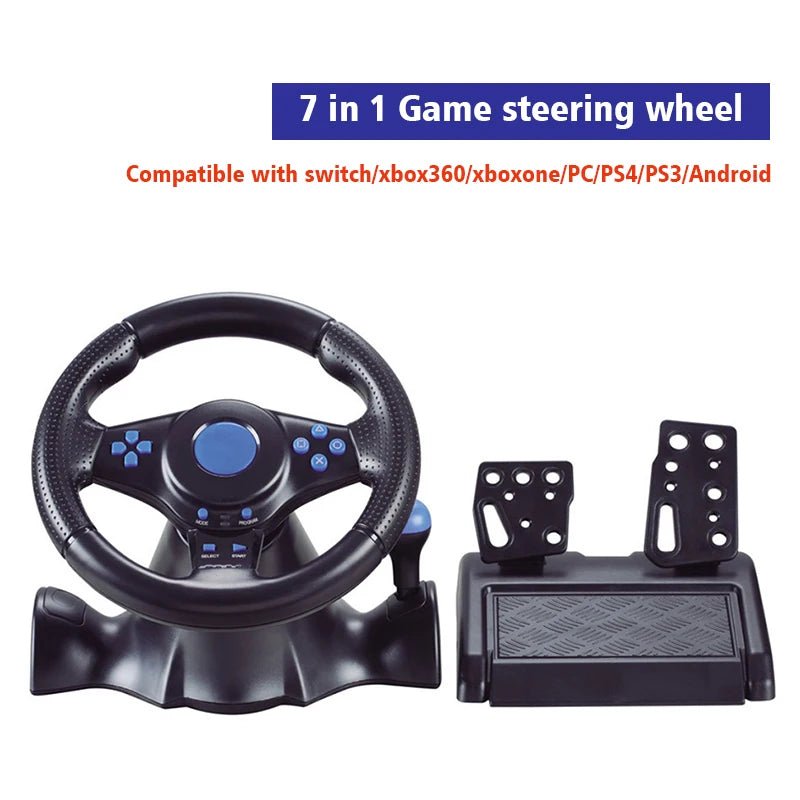


DATA FROG Game Steering Wheel For PS3 Racing Pad 180 Degree Computer USB Car PC Vibration Joysticks For PS2/PS3/Xbox 360/Switch
- Color:
- 7 in1
- Bundle:
- Game Steering Wheel
SPECIFICATIONS
Brand Name: DATA FROG
Choice: yes
Compatible Platforms: xbox,Nintendo Switch,PC,Android,playstation
Compatible with vehicle type: Others
Connection: Wired
Console/System: PlayStation 4,PlayStation 3,Switch
Force Feedback: Yes
High-concerned chemical: none
Maximum Rotation Angle: 180 °
Model Number: YJ062914459
Origin: Mainland China
Shift Mode: Gear Shifter
With Pedal Set: Yes
Due to the large size of the product, the outer packaging may be damaged when received. If you are concerned about this, please do not purchase.
7 In 1 Game Steering Wheel
Real racing feeling, super vibration motor for real racing feeling, let you experience the speed and passion of F1.
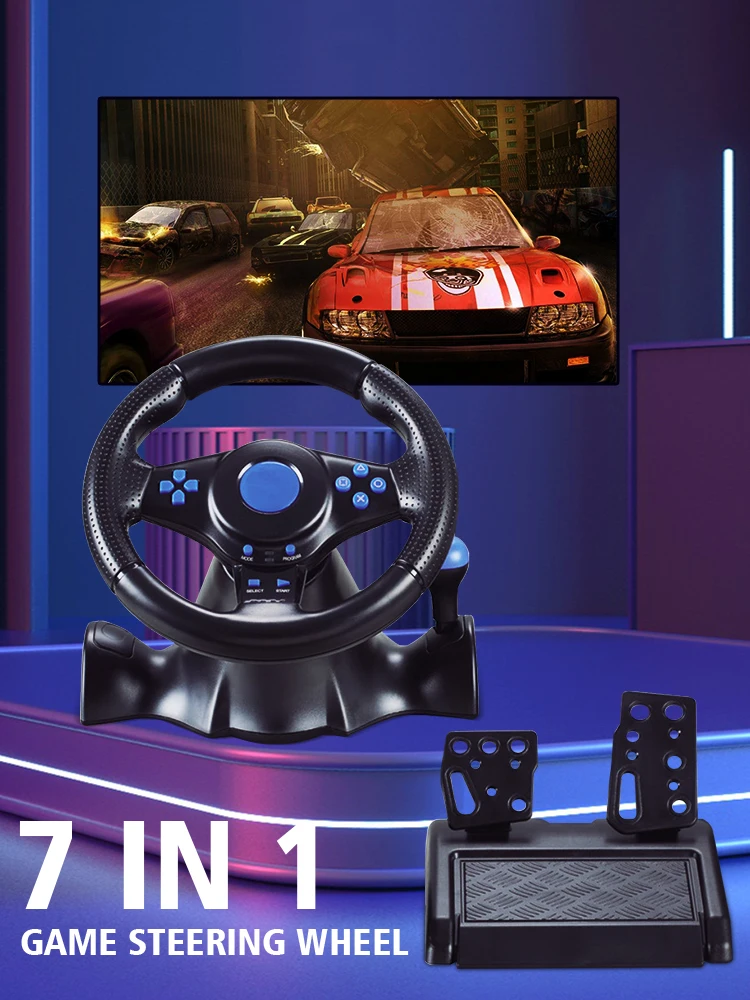
Wide Application
Compatible-nintendo switch/xbox 360/pc/androed/xbox one/ps4/ps3.
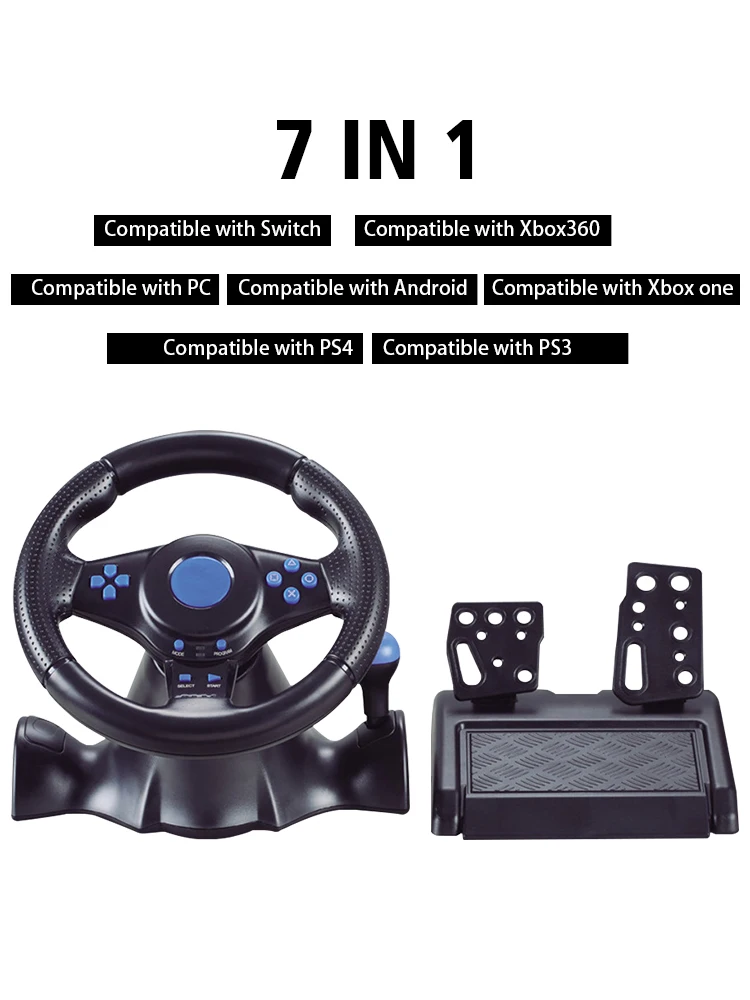
90-degree Steering Angle
The wheel have analogue output, such that the actually output is proportional to the movement of the wheel. Please do not try and tum the wheel past its limitations(90 degree tum limiter)。 Doing so may damage or effectively ruin the steering wheel. Excessive force is NOT necessary to get the most out of your wheel.
Prevent Slipping
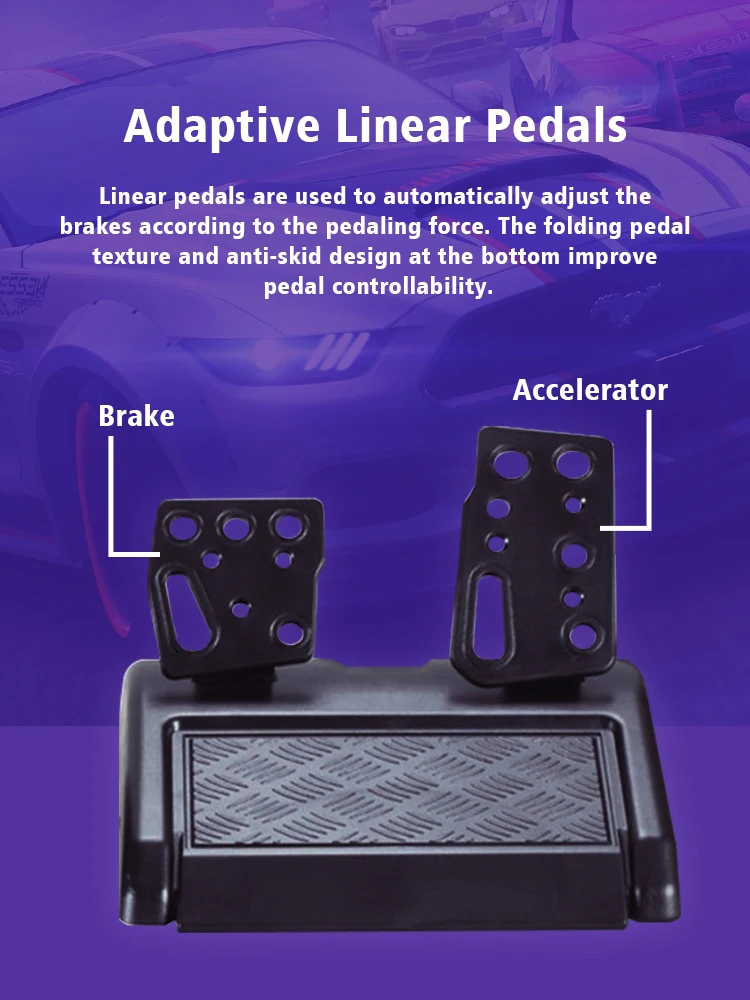
Simulate the pedals to restore the real driving experience, the foot pedal is designed for the sole texture, enhance friction and prevent slipping.
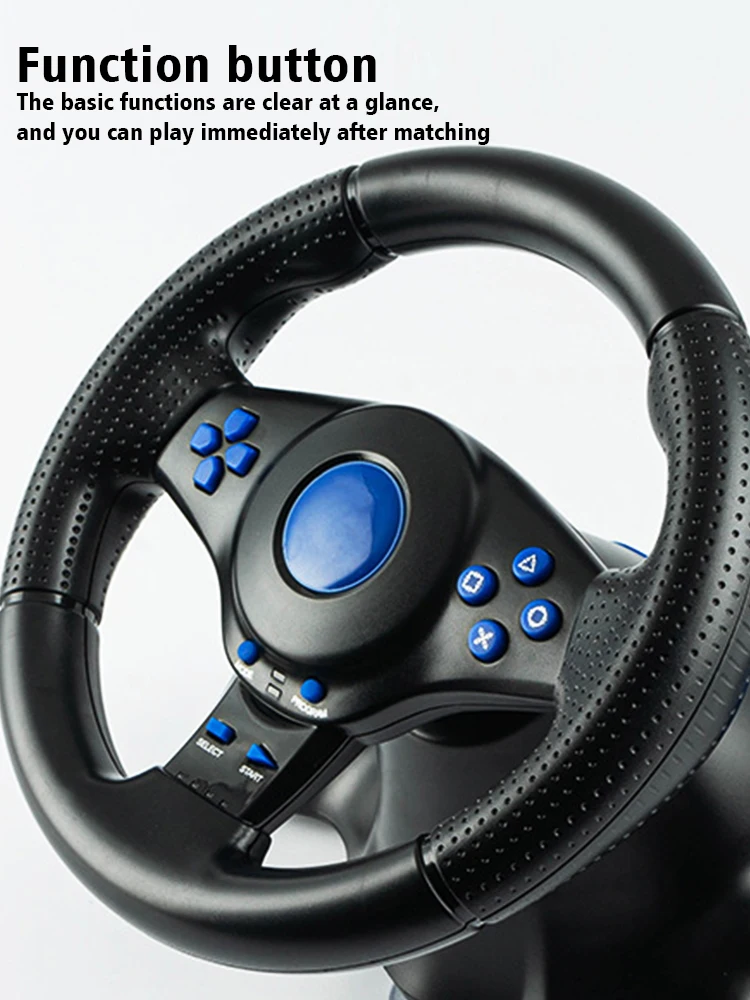
Function Button
The basic functions are clear at a glance,and you can play immediately after matching.
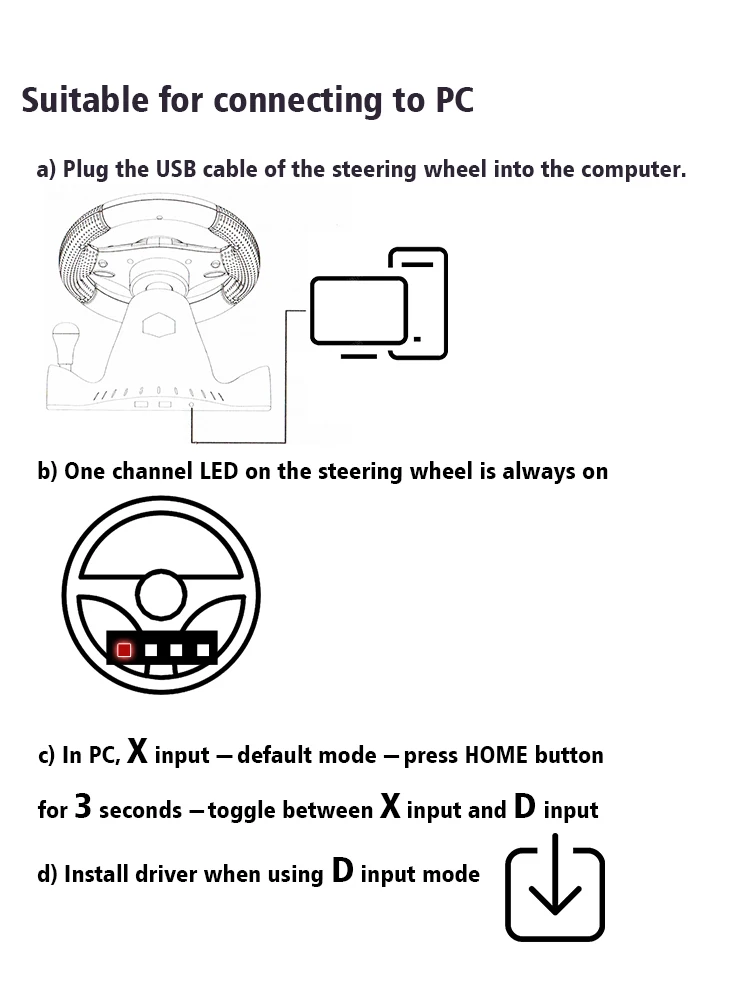
How To Connect To PC
a) Plug the USB cable of the steering wheel into the computer.
b) One channel LED on the steering wheel is always on
c) In PC, X input is recognized as default mode.
Press the HOME button for 3 seconds to toggle between X input and D input.
d) Install the driver when using D input mode.
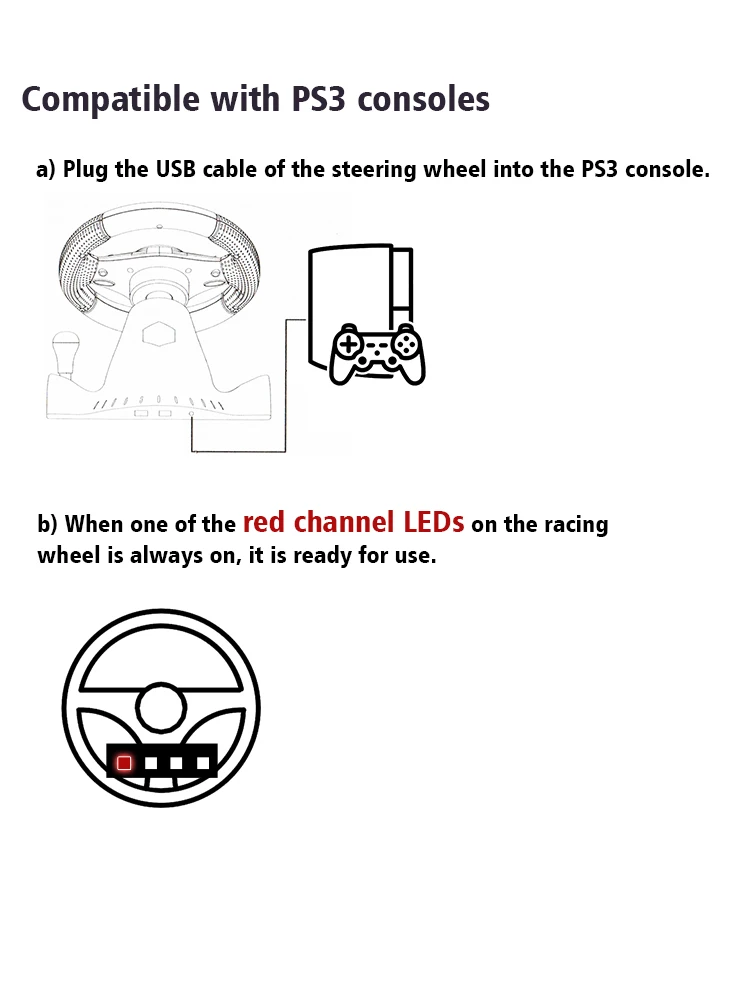
How To Connect PS3
a) Plug the USB cable of the steering wheel into the console for PS3.
b) When one of the red channel LEDs on the racing wheel is always on, it is ready for use.
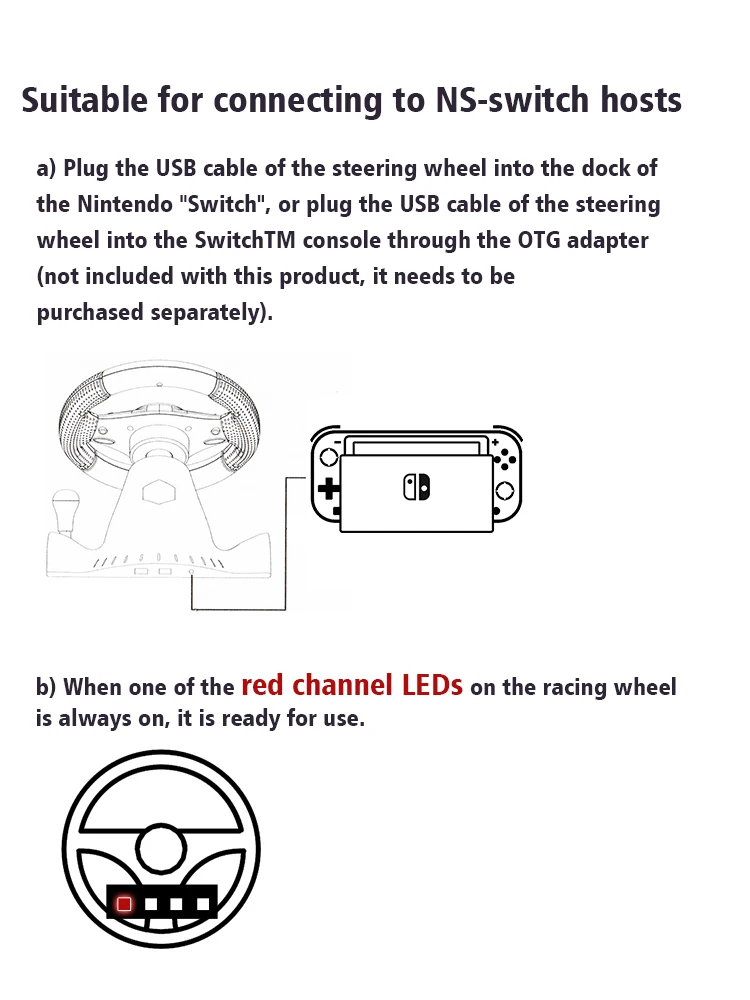
How To Compatible-nintendo Switch
a) Plug the USB cable of the steering wheel into the dock of the compatible-nintendo Switch, or plug the USB cable of the steering wheel into the SwitchTM console through the OTG adapter (not included with this product, it needs to be purchased separately).
b) When one of the red channel LEDs on the racing wheel is always on, it is ready for use.
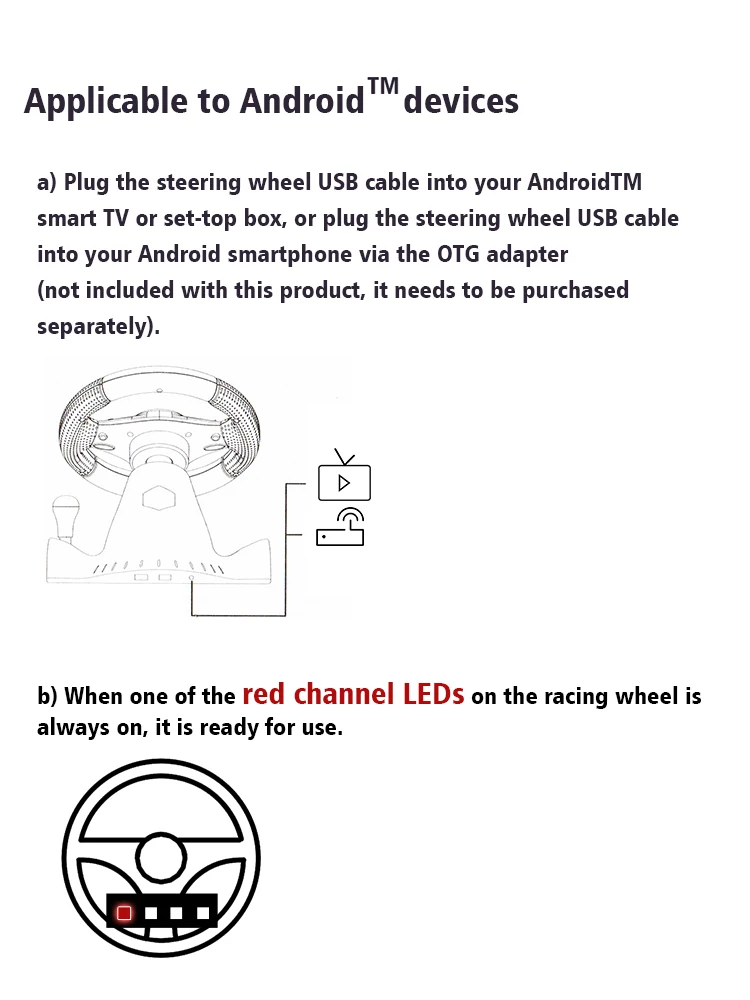
How To Connect Android Devices
a) Plug the steering wheel USB cable into your Android TM smart TV or set-top box, or plug the steering wheel USB cable into your Android smartphone via an OTG adapter (not included with this product, which needs to be purchased separately).
b) When one of the red channel LEDs on the racing wheel is always on, it is ready for use.
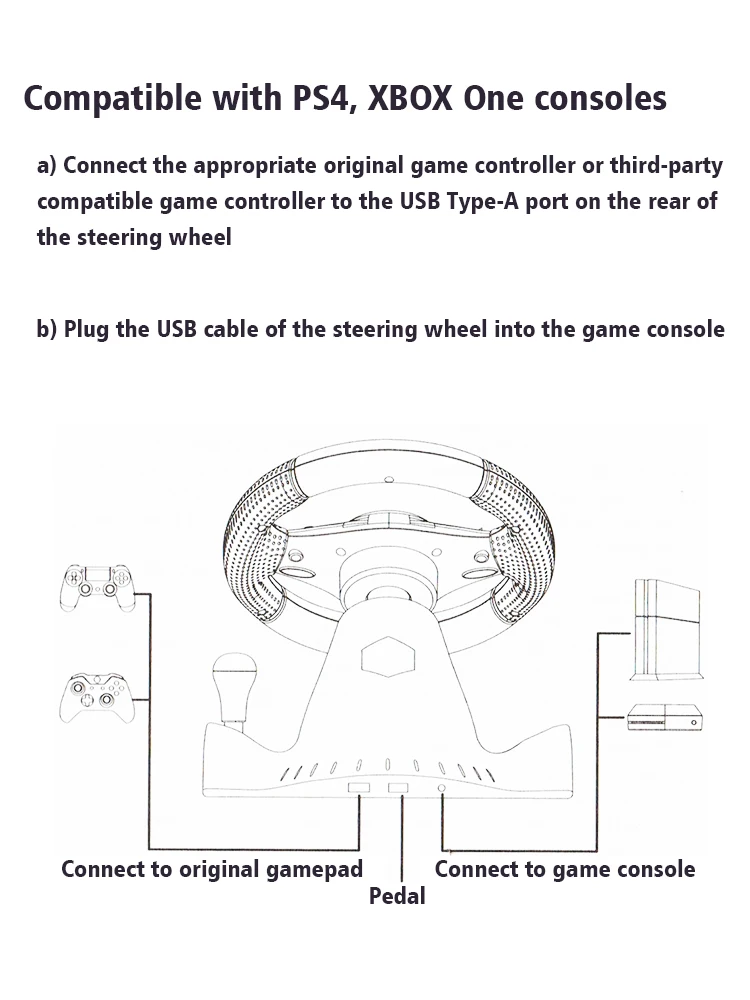
How To Connect PS4/Xbox One Consoles
a) Connect the appropriate original game controller or a third-party compatible game controller to the USB Type-A port on the rear of the steering wheel.
b) Plug the USB cable of the steering wheel into the game console.
Pairs well with
In stock! Ships within 1-2 business days.
90-day risk-free trial
2-Year Warranty
Complimentary shipping & returns
If you have any questions, you are always welcome to contact us. We'll get back to you as soon as possible, within 24 hours on weekdays.
-
Shipping Information
Use this text to answer questions in as much detail as possible for your customers.
-
Customer Support
Use this text to answer questions in as much detail as possible for your customers.
-
FAQ’s
Use this text to answer questions in as much detail as possible for your customers.
-
Contact Us
Use this text to answer questions in as much detail as possible for your customers.